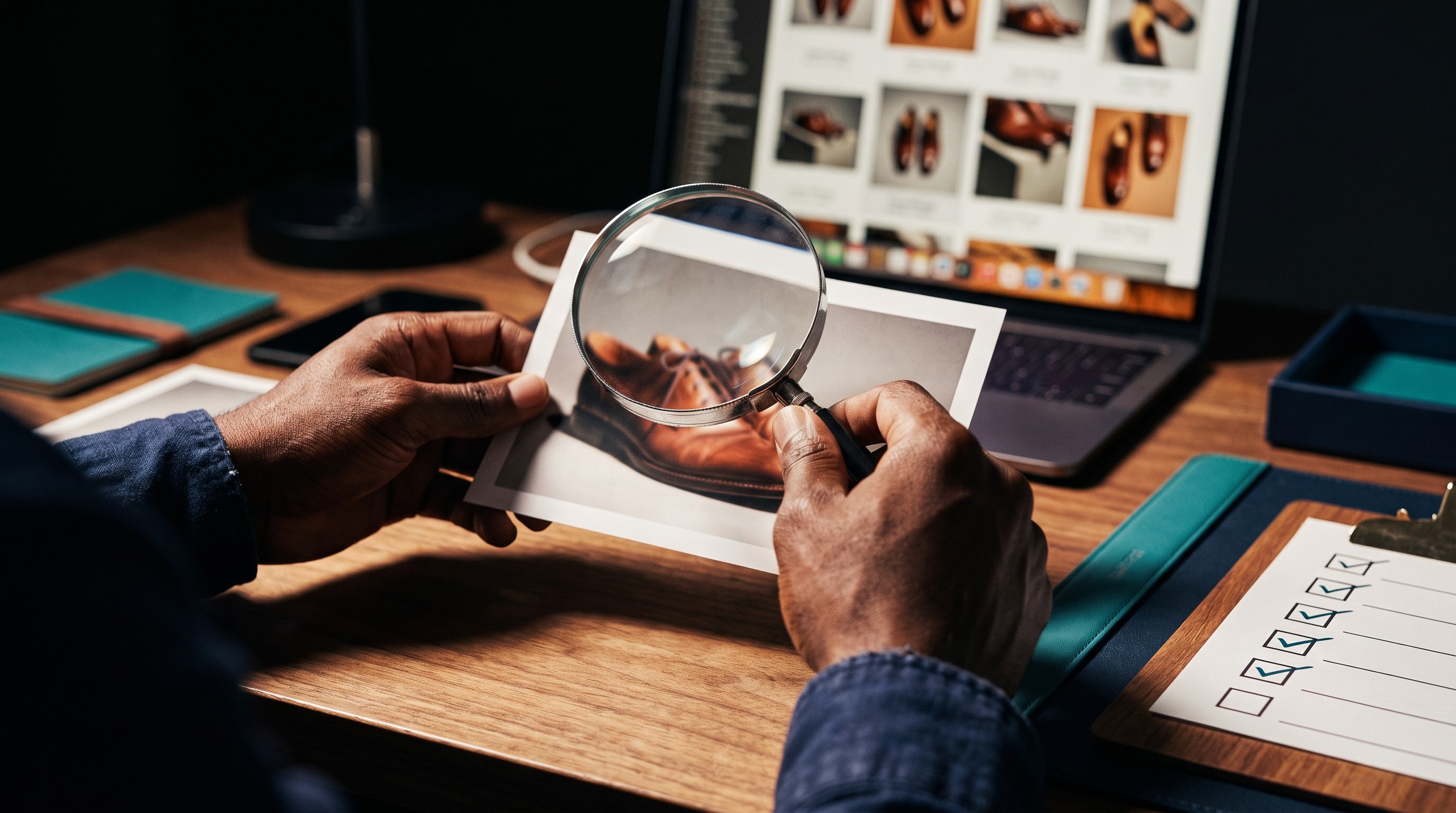
Can I Use AI Images for My Business? A 5-Part Check
Can you use AI images for your business? Run five quick checks first: rights, people, marks, disclosure, accuracy. Plain English, not legal advice.
Here's a question I hear a lot from small business owners: "Can I use AI images for my business, or am I going to get in trouble?"
The honest answer is usually yes, you can, and mostly you won't. But "the AI made it" is not a defense. If an image misleads a customer, the customer doesn't blame the tool. They blame you. If it shows somebody's face without permission, or another company's logo on a coffee cup in the background, that's on you too. Your name is on the post.
So before any AI image goes public, I run a quick check. Five yes-or-no questions. It takes about as long as checking your mirrors before you pull out of the driveway. You don't do that because you're a bad driver. You do it because good drivers check.
One thing up front: this is not legal advice. I'm a technology guy, not a lawyer. This check helps you spot common risks. Rules about AI images are still changing. If you're unsure about a specific image, especially for ads, packaging, or anything you sell, talk to a lawyer who knows your situation.
Why "the tool made it, so it's fine" doesn't hold up
An AI image tool makes whatever you ask for. It doesn't know whether you have permission to show a person's face. It doesn't know your platform's labeling rules. It won't stop you from making a pie that looks nothing like your real pie.
Most of the problems this check catches are small. A logo in the background. A face that looks a little too much like a local celebrity. A product shown bigger than it really is. Small problems are easy to fix before you post. They're a lot harder after a customer screenshots them.
The five checks: Rights, People, Marks, Disclosure, Accuracy
1. Rights. Am I allowed to use this image for my business, under my tool's current terms?
Every AI image tool has terms of use, and they say what you may do with what you make. Some allow commercial use (using an image to promote or sell). Some limit it by plan. Terms change, so don't trust what a friend told you last year.
You don't have to read the whole thing. Open the tool's Terms page, use your browser's find feature, and search for "commercial," "own," and "output" or "content you create." Read the paragraphs around those words. Check whether free and paid plans differ. Write down what you found and the date you checked.
There's a second piece to Rights: copyright. In the U.S., the Copyright Office's position is that material made purely by AI, without enough human authorship, can't be registered for copyright. Human contributions can be, such as your own edits, your arrangement of elements, and your added text and design. In plain terms, a raw AI image may not be something you can stop others from copying. Your edits and design work are what make it more yours. Again, general information, not legal advice.
That's also why I tell people not to make their logo with AI alone. Your logo is the one image you'll use everywhere for years. Use AI for ideas if you like, then have a human designer create or finish it.
2. People. Does this show a real person without permission, or pretend to show a real customer?
Never ask a tool to make an image of a real person without their permission. That includes celebrities, local figures, your staff, and your customers. AI faces can also look like real people by accident; if one does, regenerate it.
The other half is honesty. An AI-made smiling family under "Our happy clients" tells people they're real. They aren't. A generic person holding a coffee cup in a mood scene is fine. The same person captioned as a customer is not.
3. Marks. Is another company's logo, trademark, or character in the image?
AI tools slip these in. A coffee cup grows a familiar green circle. A kids' party image grows a mouse that looks a lot like a famous one. Zoom in and scan the whole image: cups, shirts, signs, cars, phones, shoes. Edit out or regenerate anything that looks like someone else's mark. And never prompt for a brand by name or ask for something "in the style of" a famous brand.
4. Disclosure. Should I label this as AI-made?
Some platforms have rules for AI-made or AI-edited content, and some ask you to turn on a label. Check the help pages for each platform you use; these rules change too.
Past the rules, use a plain honesty test: would a customer feel tricked if they found out this was made with AI? A realistic photo of "our shop" or "our team" probably needs a label. An obviously illustrated holiday graphic probably doesn't. A short line works: "Image made with AI." When in doubt, label it. It costs you nothing.
5. Accuracy. Does this show my product or service the way it really is?
This is the check people skip most, and it's one of the riskiest. AI makes things look perfect. Your real cinnamon roll might be smaller. Your real office might be a corner of a spare room. You don't have to show every flaw, but you can't misrepresent what someone will get.
What it looks like in practice
A few quick cases. Try to call each one before reading the fix.
| Image | Which check fails | Fix |
|---|---|---|
| Coffee and croissant scene; the cup has a blurry green circle logo | Marks | Regenerate with "plain white ceramic cup, no logos," or edit it out |
| A woman hugging a freshly groomed dog, captioned "Our client Sarah loved her pup's new look!" There is no Sarah | People | Change the caption to something like "Fresh, fluffy, and ready for hugs." Use real client photos, with permission, for reviews |
| A gorgeous AI pie with a towering lattice, on the order page; the real pies are flatter and rustic | Accuracy | Use the AI image as a mood post with no price, and put a real photo on the order page |
| A realistic photo-style image of "our new storefront" | Disclosure | Label it, or better, use a real photo of the real storefront |
| An AI image on the cover of a paid guide you sell | Rights | Confirm your tool's terms allow it, add your own design work, and keep a record of your edits |
The line that ties these together: mood images are fine; fake proof isn't. A cozy coffee scene or a calm desk isn't claiming to be anything real. An image presented as "our cake," "our client," or "our results" has to be real.
The honest caveat
This check isn't a legal review, and it won't make a risky use safe. If an image fails People or Accuracy, don't post it and fix it later. Fix it first. Those two are where small businesses lose customer trust fastest.
It also isn't a one-time thing. Tool terms change. Platform labeling rules change. The way the law treats AI images is still being worked out. Recheck your tool's terms every few months and write the date down.
And sometimes the right move is to skip AI entirely. If the image is meant as proof of something real, a real photo is almost always the better choice. AI is great for mood, scenes, and ideas. For exact products, real people, and real results, use the real thing.
Key takeaways
- If an AI image misleads a customer, they blame you, not the tool.
- Run five checks before posting: Rights, People, Marks, Disclosure, Accuracy.
- In the U.S., purely AI-generated images without enough human authorship can't be registered for copyright; your own edits and design work can be protected.
- Mood images are fine; anything presented as proof of a real product, person, or result must be real.
- This is general information, not legal advice; ask a lawyer about specific high-stakes uses.
Frequently asked questions
Can I use AI-generated images for my business?
In many cases, yes, but it depends on the AI tool's current terms of use, which say whether commercial use is allowed and may differ between free and paid plans. Before using an AI image to promote or sell, read the terms for commercial use and ownership, and check the image for real people, other brands' logos, and accuracy. This is general information, not legal advice.
Can AI-generated images be copyrighted in the U.S.?
The U.S. Copyright Office's position is that material made purely by AI, without enough human authorship, can't be registered for copyright. Human contributions can be, such as a person's own edits, arrangement of elements, and added text or design. That means a raw AI image may be hard to protect, while a business's own design work on top of it is more protectable. This is not legal advice.
Do I need to label AI-generated images on social media?
Some platforms require or offer labels for realistic AI-made or AI-edited content, and their rules change, so check each platform's help pages. Beyond the rules, a simple test helps: if a customer would feel tricked to learn an image was made with AI, such as a realistic photo of your shop or team, label it. A short line like Image made with AI is enough.
Should I make my business logo with AI?
It's safer not to rely on AI alone for a logo. In the U.S., purely AI-generated images without enough human authorship can't be registered for copyright, and a logo is the image a business uses everywhere for years. Many owners use AI for ideas and mood boards, then have a human designer create or finish the final logo. For specific questions, consult a lawyer.
Can I use AI-generated people as customers in my marketing?
No. Presenting AI-made people as real customers, reviewers, or staff misleads buyers and can break advertising and platform rules. A generic AI person in a mood scene is fine as long as nothing claims they're a real client. For reviews and testimonials, use real customers' photos and words, with their permission.
Where this goes next
The Publish-Ready Check is part of Module 3 in How to Use AI to Create Images for Your Business, where you build it into a simple routine alongside an image tracker and a reusable prompt library. If you want the full system, that's what the class builds.
See the class