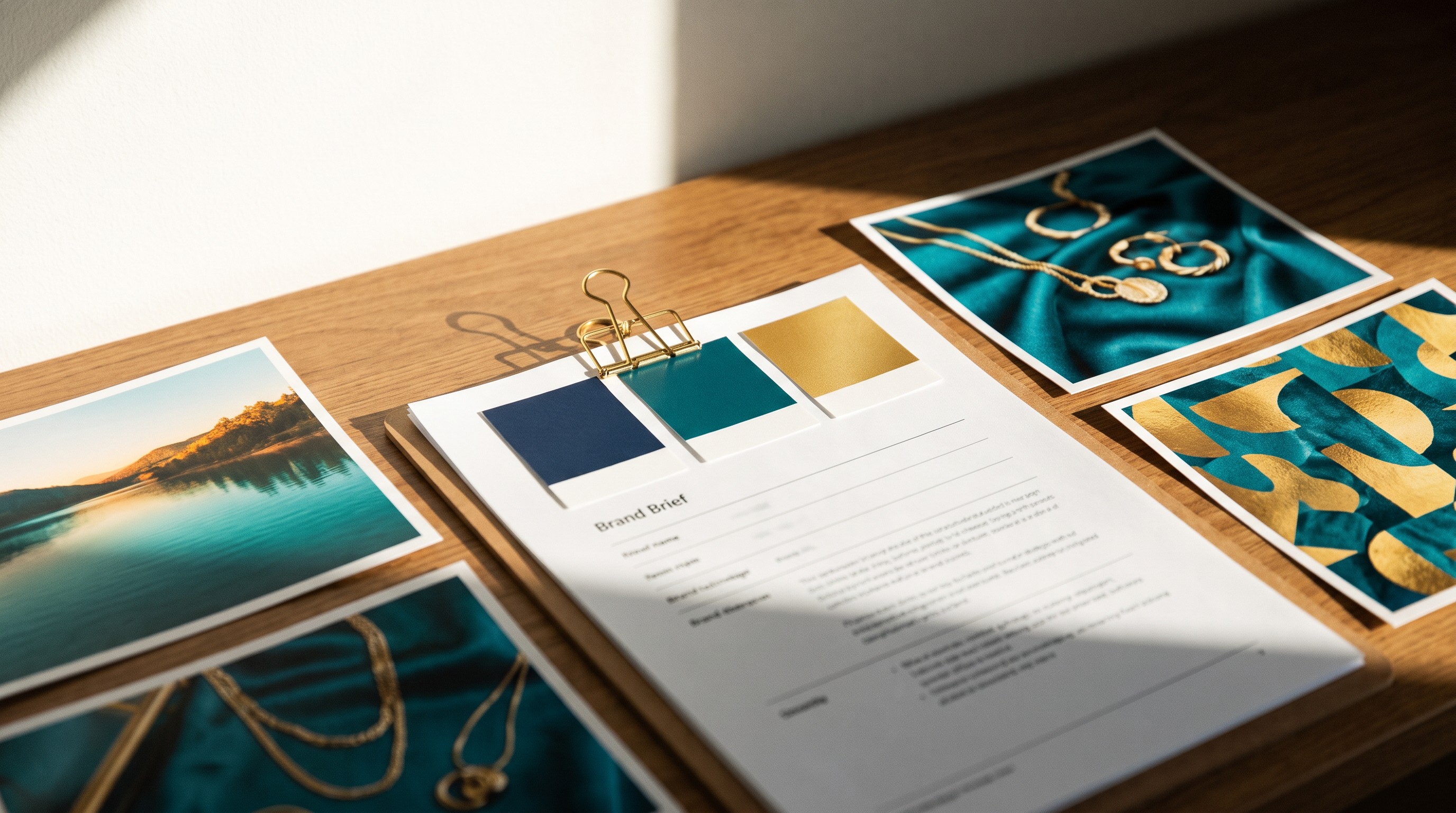
How to Keep AI Images On-Brand With a One-Page Brief
Want on-brand AI images that look like one business? Write a six-part Brand Visual Brief once and paste it into every prompt. Here's how.
Line up your last ten social posts. Squint until the details blur. Do you see the same few colors over and over? Or do you see a rainbow?
For a lot of small businesses using AI, it's a rainbow. One post is orange. Two are dark purple. One is a cartoon calculator. One is a stock-style man in a suit. None of it looks like it came from the same place.
That isn't bad taste. It's how AI tools work. And the fix for getting on-brand AI images is boring, cheap, and takes an afternoon: write your brand's look down on one page, and paste it in every time.
AI forgets your brand every single time
Here's the thing most people don't realize. AI image tools have no memory of your brand unless you hand it to them. Every new chat, every new image, is a fresh start.
Ask for "a cozy bakery image" on Monday and again on Friday. You'll get two different color schemes and two different styles. That's drift. Over a month of posting, drift fills your feed with images that look like everyone else's, because when you don't give the tool your look, it falls back on its own average taste.
You also drift. When you describe your brand from memory in each prompt, you describe it a little differently each time. "Warm" one day. "Cozy" the next. "Rustic" when you're feeling fancy. Small differences in words become big differences in pictures.
The other common belief is "I'm too small to have a brand," or "branding is just a logo." Neither is true. Think about your favorite coffee shop. You could probably spot their cup in a pile of trash. That's not just the logo. It's the colors, the feel, the kind of photos they post, repeated until you learned them. You can do the same thing. You just have to write it down.
A Brand Visual Brief has six parts
A Brand Visual Brief is a one-page guide to how your images should look, written so any AI tool can follow it. Think of it like the paint chip and the short instructions you'd hand a painter. You don't say "make it nice." You hand over the exact color and say the ceiling stays white.
The brief has six parts:
| Part | What it is | Example (a neighborhood bakery) |
|---|---|---|
| Brand Palette | 3 to 5 colors, with names and hex codes | warm cream #F5EBDD, cinnamon brown #8B5A2B, soft sage #A8B89A |
| Style Words | 3 to 5 plain words for how images look | warm, rustic, homemade, natural light |
| Mood | The feeling, as a scene a customer could step into | Like a cozy neighborhood kitchen on a cool morning |
| Subjects to Show | 6 to 10 concrete things that belong in your images | fresh bread, flour-dusted hands, wooden counters, coffee mugs |
| Do and Don't List | Short rules for what always and never appears | Do: real textures. Don't: neon colors, plastic-looking food |
| One-Sentence Summary | The whole brief in one line you paste into prompts | Warm, rustic, homemade bakery scenes in cream, cinnamon, and sage, lit by soft morning light |
A few of these deserve a closer look.
Hex codes matter. A hex code is a six-character code for one exact color, like #1B2A4A for a deep navy. "Navy" can mean fifty different blues. #1B2A4A means one. Most design tools show the hex code when you click a colored element. If you ask an AI chat tool to pull colors off your logo, check its answers with a color picker. Its guesses can be close but not exact.
Style words have to be visual. "Nice," "professional," and "high quality" give a tool nothing. "Bright, clean, soft natural light" gives it something to draw. A good test: could you explain the word by pointing at a photo? If not, swap it.
Mood is not the same as style. Two bakeries can both be "rustic." One feels like grandma's kitchen. The other feels like a trendy loft. The mood tells the tool which one you are.
The Don't list is where you save your lessons. "Don't show messy paperwork." "Don't show wet, unhappy dogs." Every time a draft goes wrong in the same way, that's a new line on the list.
What it looks like in a real prompt
Take a bookkeeper who serves contractors. Before he had a brief, he typed: "bookkeeping office image for my website." He got a glass office with a city view. Nothing about his business.
After the brief, his prompt started with his one-sentence summary and added the specifics:
Clean, calm workspace images in navy and white with one teal accent and lots of open space. A tidy wooden desk with a laptop, a neat stack of navy folders, a teal coffee mug, and a contractor's hard hat resting on the corner. Soft daylight from a window. Wide image with empty space on the left for a headline. No people, no text.
The hard hat came straight from his Subjects to Show list. That one object tells a contractor, "This person gets my world." No amount of "8K, ultra-detailed, masterpiece" in a prompt does that.
Notice also the line about teal: "one teal accent." He wrote down not just his colors but which one leads and which one is a small pop. If the teal were everywhere, his calm brand would start to look loud. That's a detail worth putting in your palette: where each color is used.
The summary goes at the very front of the prompt, and it stays short. Most good ones run 15 to 25 words and include style, colors, and lighting. Save it somewhere one click from your prompt box: a phone note, a pinned document, a text shortcut. A brief buried in a folder doesn't help anyone.
What if you don't have a brand yet?
Plenty of owners grabbed a free logo on opening day and never thought about colors again. Look around before you invent anything. A dog groomer I'd describe as "no brand at all" might have a sunny yellow front door, sky blue aprons, and white walls. That's a palette. It was just never named.
If you truly have nothing, don't spend three weeks on it:
- Write three words for how you want customers to feel, like welcome, safe, cheerful.
- Look at three businesses you admire (not competitors) and note their colors.
- Pick one main color, one neutral, and one accent.
- Ask an AI chat tool for a few palettes based on your three words, with hex codes. You pick. The tool only offers.
- Use it for a month, then adjust.
The honest caveat
Your first brief won't be perfect. When test images miss, the miss usually points to one part. Colors close but off? Add hex codes and say which color leads. Look changes from image to image? Your style words are too vague. Random props keep showing up? Get more specific in Subjects to Show and add a Don't. Summary getting ignored? Move it to the very start of the prompt and cut it down.
And no image generator will match your hex codes perfectly. You'll get close, then fine-tune color in a design tool. A brief doesn't make AI obedient. It makes it consistent, which is the part your customers actually notice.
One more reason to bother: a brief protects you from your own bad days. When you're tired at 9 p.m. and need a post for tomorrow, it's easy to say yes to an off-brand image just to be done. Your Do and Don't list is a checklist you wrote when you were thinking clearly. Trust it.
Key takeaways
- AI tools have no memory of your brand, so every image starts from their average taste.
- A Brand Visual Brief has six parts: palette, style words, mood, subjects, a Do and Don't list, and a one-sentence summary.
- Hex codes keep colors exact; visual style words keep the look steady.
- Paste the one-sentence summary at the very start of every prompt.
- The brief makes AI consistent, not perfect; fine-tune color in a design tool.
Frequently asked questions
How do I make AI images match my brand?
Write a short Brand Visual Brief and paste it into every prompt. It should list 3 to 5 brand colors with hex codes, 3 to 5 visual style words, the mood as a scene a customer could step into, the subjects that belong in your images, and a short list of things to always and never include. A one-sentence summary at the start of each prompt keeps results consistent.
Why do my AI images look different every time?
AI image tools don't remember your brand between images or chats. Each request starts fresh, so the tool falls back on its own average style, and small changes in your wording become big changes in the picture. Using the same written brand description, the same colors, and the same style words in every prompt reduces that drift.
Should I use hex codes or color names in AI image prompts?
Use both. A hex code like #1B2A4A names one exact color, while a word like navy can mean dozens of shades. Some image tools follow color names better than hex codes, so giving both covers you. Expect the generator to get close rather than exact, and fine-tune the final colors in a design tool.
Do I need a brand before I start using AI for images?
No. Most businesses already have colors on their sign, door, packaging, or uniforms, even if they were never written down. If you truly have none, pick one main color, one neutral, and one accent based on how you want customers to feel, use them for a month, and adjust. A simple written palette beats waiting for a perfect brand.
Where this goes next
The Brand Visual Brief is built step by step in Module 1 of How to Use AI to Create Images for Your Business, with an AI tool that interviews you and helps you write it. If you want the full brief done right, that's where to start.
See the class