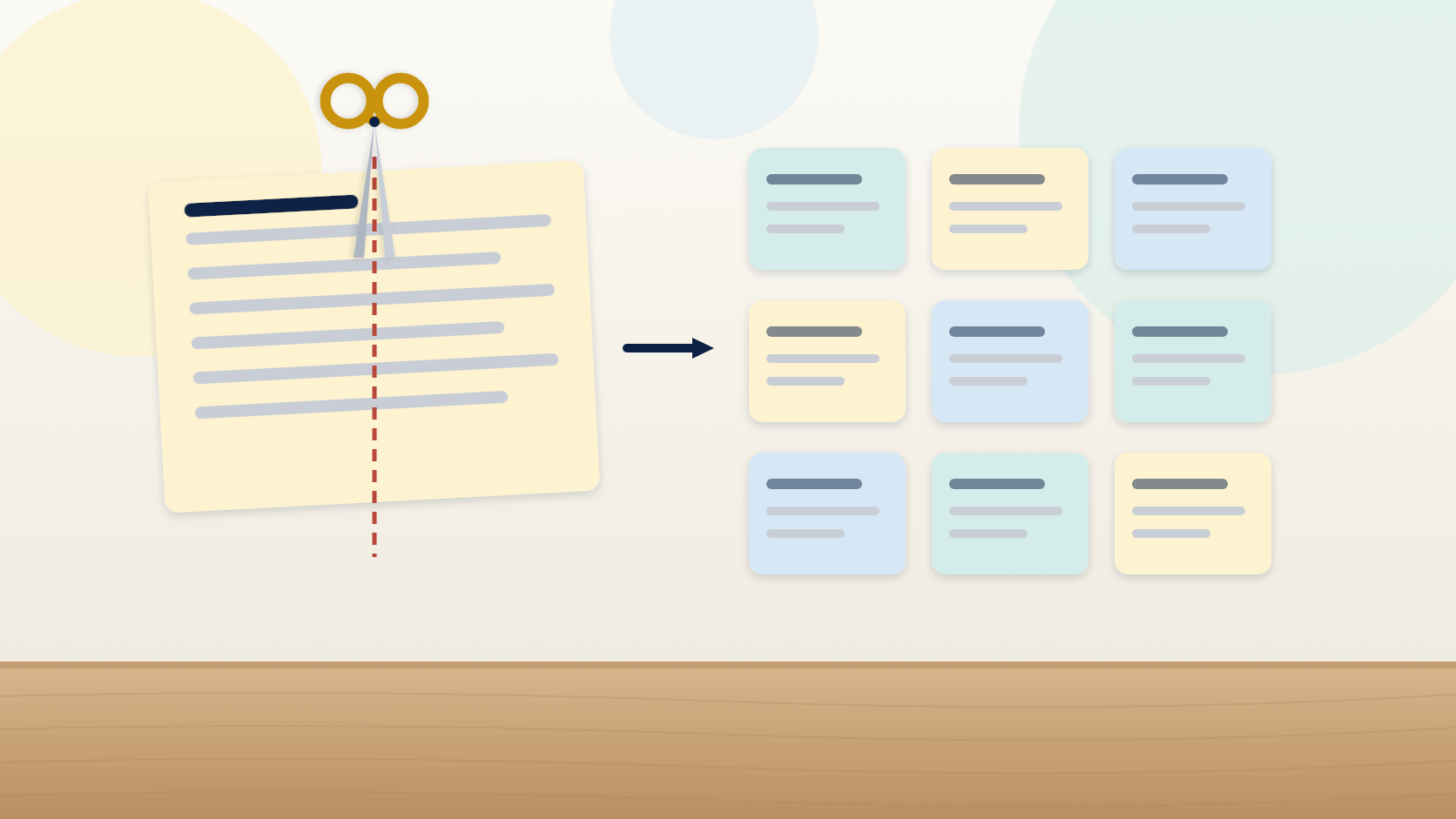
How to Split a User Story: Nine Patterns That Work
Nine named patterns for splitting a large user story — workflow steps, rule variation, CRUD and more — with a worked example that cuts one story into a sprint.
It is 4pm on a Thursday and somebody in refinement says the story is too big. Everybody agrees. Then the room goes quiet, because "make it smaller" is a diagnosis, not a treatment, and nobody wants to be the person who suggests the obvious split and gets told it does not work.
What usually happens next is that the team estimates it anyway and sees how it goes. It goes badly. It goes badly in a specific way, too: large stories can finish only a little early and can run enormously late, because large stories hide unknowns and unknowns only ever add time.
The teams that are good at this are not more creative than yours. They have a catalogue. Nine named patterns cover the overwhelming majority of large stories you will ever meet, and once the room agrees which pattern a story is, the split is nearly automatic. Learning how to split a user story is mostly learning to recognize nine shapes.
"Too big" is a shared feeling with no shared next move
Watch what happens without a catalogue. One person suggests splitting by screen. Someone else suggests splitting front end from back end. A third suggests doing the "core" first and the rest later, which sounds sensible until somebody asks what core means. Twenty minutes later the story is unchanged and the meeting has a story point value attached to it as a face-saving compromise.
The catalogue removes the negotiation. You are no longer inventing a split under time pressure with five opinions in the room. You are identifying which of nine known shapes you are looking at, and each shape comes with a known cut.
The nine patterns for splitting a user story
| Pattern | The signal that it applies | How you split |
|---|---|---|
| 1. Workflow steps | The story spans a multi-step process with approvals or stages | Build the simple end-to-end case first, then add middle steps |
| 2. Business rule variation | One phrase hides several rules doing the same thing differently | One story per rule variation |
| 3. Major effort | One part of the story is far bigger than the rest | Split the big part out; ship the small parts first |
| 4. Simple / complex | "And handle the edge cases" is buried in the wording | Simple case now; each complex case as its own story |
| 5. Variations in data | Multiple data types, formats, regions, or currencies | One data variation first; add the rest as separate stories |
| 6. Data entry methods | Several ways to get the same data in | One entry method first; other methods later |
| 7. Defer performance | The story includes a speed or scale target | Make it work; make it fast as a separate story |
| 8. Breakout spike | Nobody can estimate it because nobody knows enough | Time-boxed investigation, then re-split with what you learned |
| 9. Operations (CRUD) | The story says "manage" something | One story per operation: create, read, update, delete |
Three of them deserve a warning label.
Workflow steps is the one people split wrong. The obvious cut — one step at a time from beginning to end — feels natural and delivers nothing until the final step lands. In most workflows the value sits at the beginning and the end, so build the simple end-to-end case first and add the middle steps afterward. A content team facing publish a news story to the corporate website found editorial approval, legal approval, and a staging review hiding inside it. The split that worked was: publish directly to the site; publish with editor review; publish with legal review; view on staging; publish from staging to production. The first one shipped in days.
Business rule variation hides behind innocuous adjectives. Flexible. Appropriate. Valid. Eligible. Standard. Custom. Each is a word that sounds like one thing and means several. "Search for flights with flexible dates" turns out to mean four different rules — n days between x and y, a weekend in March, plus or minus three days, cheapest day in a month — and typically two are worth building.
Operations is a four-story word, and the word is manage. "As an administrator, I can manage users" means create, read, update, and delete, and those four have wildly different value and risk. Read and create usually matter first. Delete almost always carries the most rules — retention, cascade, audit trail — and frequently should not be in release one at all. One team split exactly that story and discovered a seven-year records retention requirement sitting inside "delete," which turned a simple operation into an archive-and-suppress feature. Finding it as a separate story cost an afternoon. Finding it inside a committed story would have cost the sprint.
One story, three patterns, twenty minutes
Patterns are easier to trust once you have watched them interlock. Here is a real one, as it arrived:
"As a practice manager, I can manage patient appointment reminders, including SMS and email, with configurable timing rules and a report of what was sent."
Everyone agreed it was too big. Nobody could say how big, which is the usual condition.
Pass one — the word "manage." Pattern nine. Reminders get created, viewed, changed, and cancelled. Four operations, immediately unequal: creating and sending is the entire point; viewing what was sent is useful; changing a scheduled reminder matters occasionally; cancelling matters when a patient reschedules. And splitting produced an insight nobody had voiced — cancelling a reminder when an appointment moves is not an administrative nicety, it is the difference between a helpful product and one that texts patients about appointments they already changed. That story rose in priority the moment it had its own card.
Pass two — "SMS and email." Pattern six, data entry methods in its output form: two delivery channels for the same content. They are not the same work. SMS needs a paid gateway, phone-number validation, opt-out handling, and character limits. Email needs templates and deliverability. Bundled, they hide a vendor contract inside a single estimate. Split, the team could see email covered 70% of their patients and required no new vendor. Email shipped first.
Pass three — "configurable timing rules." Pattern two, wearing its most typical disguise. Asked to enumerate, the team produced a list of specific rules, most of which nobody had ever requested.
One monster story became a small set of cards, in about twenty minutes, and the first of them shipped that sprint.
Every slice has to be vertical
The catalogue only works if the pieces stay vertical. A thin vertical slice cuts through every layer of the product — interface, logic, data, whatever else is needed — and delivers something a user can actually do. A horizontal slice is a layer: all the database work, or all the screens, or all the endpoints. Layers are easy to estimate and useless individually, which means feedback arrives only at the end, which means you learn you were wrong at the point where it costs the most.
The test is a sentence. Can you describe what a user can do at the end of this, in plain language, without the word "partial"? "A buyer can search for a book by title and see the price" passes. "The search API is complete" does not, however much value it will eventually enable.
There is a floor as well as a ceiling. "Add a column to the orders table" is a task, not a story, and slicing to that level gives you a backlog of components with none of the benefits. The floor is user-visible behavior: if you can demonstrate it to somebody who does not work on your team and they can tell what changed, it is a slice.
Slice the what, never the how well
This is where slicing gets abused, and it is worth being direct about it.
Cutting the third payment method is slicing. Skipping error handling on the payment method you kept is not — that is a defect scheduled for later, and it will cost more than building it now. Reducing scope means fewer things, done properly. If your thin release is fragile, you did not slice; you took shortcuts, and the two are opposites.
The same goes for pattern seven. Deferring performance works only when the deferral is explicit and the target is written down as its own story. Deferring performance by never discussing it is not slicing at all — it is how a quality attribute becomes a production incident six months later.
Keep the nine patterns visible where refinement happens. When somebody says a story is too big, the useful next question is not "how many points?" It is "which pattern is this?" That question turns a vague sizing complaint into a concrete split in about two minutes, and it works at 4pm on a Thursday when nobody has any creativity left.
Key takeaways
- Nine named patterns cover almost every large story; naming the pattern is most of the work of splitting it.
- Splitting a workflow into sequential steps is the obvious move and usually the wrong one — build a complete path first, then deepen.
- "Manage" is a four-story word, and delete is where the retention and audit rules hide.
- Every slice must be vertical: describe what a user can do at the end of it without using the word "partial."
- Slice the what, never the how well — cutting a payment method is slicing, cutting its error handling is a scheduled defect.
Frequently asked questions
How do you split a user story that is too big?
Identify which known pattern the story matches, then apply that pattern's cut. Nine patterns cover most cases: workflow steps, business rule variation, major effort, simple versus complex, variations in data, data entry methods, defer performance, breakout spike, and operations (CRUD). Naming the pattern is most of the work — once the room agrees on the shape, the split follows in a couple of minutes.
What are the nine user story splitting patterns?
Workflow steps; business rule variation; major effort; simple versus complex; variations in data; data entry methods; defer performance; breakout spike; and operations, meaning create, read, update, delete. Each has a recognizable signal in the story's wording — for example the word "manage" signals operations, and vague adjectives such as "flexible" or "eligible" signal business rule variation.
What is a thin vertical slice?
A thin vertical slice is a piece of work that cuts through every layer of the product — interface, logic, data — and delivers something a user can actually do. It may serve one persona, one path, one data type, or one rule, but it works end to end. A layer such as "build the API" is not a slice, because nobody can use it on its own.
How small is too small for a user story?
The floor is user-visible behavior. If you can demonstrate the result to someone who does not work on your team and they can tell what changed, it is still a story. "Add a column to the orders table" is below that floor — it is a task, and slicing to that level produces a backlog of components with none of the benefits of slicing.
Can you split a story between the front-end and back-end teams?
You can, but it is a slicing failure rather than a slicing technique. It produces two half-stories that must be coordinated across sprint boundaries and neither delivers anything usable alone. Slice by user value and let teams collaborate inside one story. If your structure makes that impossible, name it as an organizational constraint rather than treating it as a design choice.
Slicing a whole release, not just a story
Module 2 of my User Story Mapping class runs the nine patterns against a real map — plus the seven product dimensions and the narration check that finds the holes a story-level review misses.
See the class