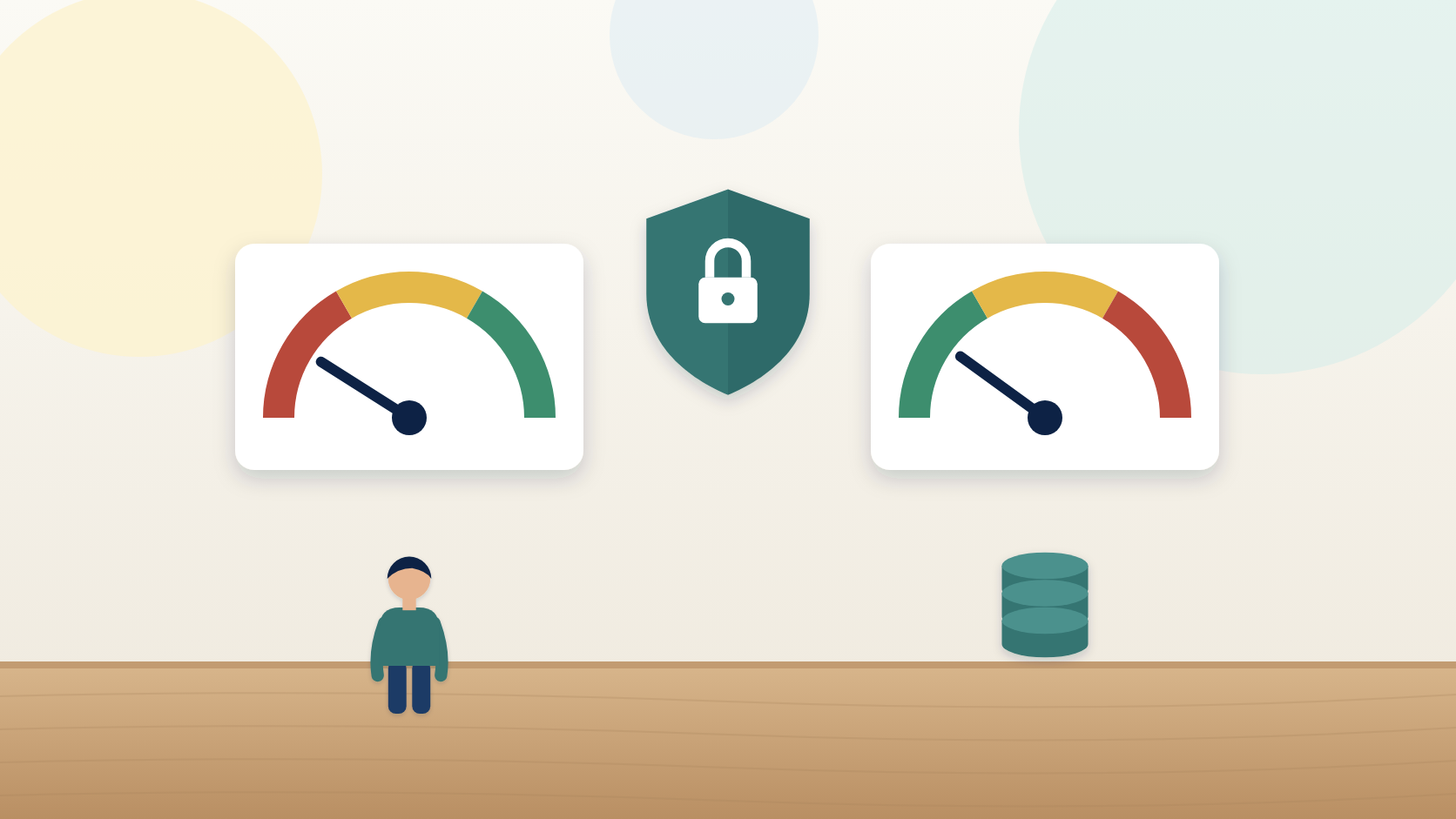
Is This AI Tool Safe? Score Human Control and Data Risk
Before an AI tool touches your customers, score two things: Human Control and Data Risk. Plus a 10-minute routine for reading privacy terms.
When owners evaluate an AI tool, they look at three things. What does it do? What does it cost? How good was the demo?
Those questions matter. But they skip the two that decide whether a tool can hurt your business. Who's in control when the tool acts? And what happens to your customers' information once you hand it over?
I score those two on their own, every time: Human Control and Data Risk. They're the part of evaluating an AI tool's data privacy and safety that most small businesses skip, and they're where the expensive mistakes hide.
A tool that scores low on both might save you an hour a week and cost you your reputation in a single afternoon.
The most hands-off AI tool is usually the most dangerous one
Here's what most people get backwards. They think the point of an AI tool is to take you out of the loop. The less you touch it, the better. So they rank the tools that do the most on their own as the best.
That's how you end up with a tool sending a wrong price to a good customer at 9 p.m. on a Saturday.
Picture Marcus, who runs an eight-person landscaping crew. He sets up a tool that sends automatic estimate follow-ups to anyone who requests a quote on his website. It works great for three weeks.
Then a customer whose father just passed away gets four cheerful "Still thinking about that patio?" messages in a row. She had already called Marcus to put the job on hold. Marcus knew. The tool didn't. Nobody did anything wrong on purpose. The tool just gave Marcus no way to step in. She told her neighbors.
The point of an AI tool isn't to take you out. It's to take the low-value work off your plate so your attention goes where it counts. That's a very different thing to shop for.
Human Control: can you review, edit, override, and stop it?
Human Control is how easily you can review, edit, override, and stop the tool. Score it from 1 to 5 by asking:
- Can I see what it's about to do before it does it?
- Can I change the draft?
- Can I turn it off in one click if it goes sideways?
- Does it act on its own, or does it wait for me?
A tool that drafts an email and waits for you to hit send scores high. A tool that emails your customers on a schedule with no review step scores low.
Neither is automatically wrong. What matters is whether the score matches the task. I sort every task into three groups: Automate (AI does it end to end and you spot-check), Assist (AI drafts, you review and decide), and Keep Human (it needs your judgment, so AI stays out). Human Control is how you check whether a tool respects that sort.
- If the task is Assist, you need a 4 or 5. Nothing goes out until you've seen it.
- If the task is Automate, a lower score can be fine, as long as you can still spot-check and stop it.
- If the task is Keep Human, you shouldn't be scoring tools at all.
Marcus's follow-ups were Assist work wearing Automate clothes. A 2 on Human Control looked fine on paper. It wasn't fine for that customer.
Data Risk: your customers' trust, scored
Data Risk is what happens to the information you put in: client data, financials, private details. Score it from 1 to 5, and the score goes up when the risk goes down.
Small businesses underrate this because they figure nobody cares about their little shop. Your customers care. A homeowner who gave you her address, her gate code, and her budget trusted you with that. Not your software vendor. Not your vendor's vendor. When you paste customer details into an AI tool, you're making a decision on your customers' behalf.
You don't need a law degree to score it. You need four answers:
- What kind of information will go into this tool?
- Where is it stored, and for how long?
- Is it used to train the vendor's AI, and can I turn that off?
- Can I delete it when I want to?
The same tool can score differently depending on what you feed it. A general assistant drafting a blog post about water heater maintenance is low risk. The same tool holding a list of customer addresses is a different story.
How to read an AI tool's privacy terms in 10 minutes
Most people skip the privacy terms because they look like a wall of legal text. Fair enough. You don't need every word. Here's the routine I use. Set a timer.
- Minute 1: find the pages. Check the vendor's footer for Privacy, Terms, Security, Trust, or Data. Look for a help article like "How we use your data." Open them all in tabs. If it's an AI add-on to software you already use, check the add-on's terms too.
- Minutes 2 to 5: search, don't read. Use your browser's find feature for these words: train, retain, retention, delete, share, third part, opt out, business. Read only the paragraphs around each hit.
- Minutes 6 to 8: check the settings. Log into the trial account. Look for a switch about training or improving the product, a way to delete history, and options for business accounts. Settings tell you what you actually control.
- Minutes 9 and 10: write four answers and score. A few words each. Then pick your number.
Three patterns show up again and again. Soft words like "may" and "to improve our services" often mean your inputs can be used in ways you didn't expect. That pulls the score down unless there's a clear setting to turn it off. Free plans and business plans sometimes have different data terms, so check the plan you'd actually be on, and check current terms the day you score. And silence is information. If you can't find anything about training or deletion in ten minutes, score lower and email the vendor. A good vendor will answer in plain language.
Set your red lines before the demo talks you out of them
Human Control and Data Risk are two of five scores I use when I compare tools. The others are fit with your goal, fit with how you already work, and total cost. Add them up and you get a total.
The danger is that a high total can hide a dangerous weak spot. So set red lines before you score. Here are mine:
- Any tool for an Assist task that scores 1 or 2 on Human Control is out, no matter the total.
- Any tool that scores 1 on Data Risk when client information is involved is out.
Here's what that looks like. Picture Leo and Jess, who run a two-person candle shop. They want help answering the same customer emails over and over. A standalone help-desk app has the best demo. It promises to answer customers instantly, around the clock. But the bot replies on its own, and the only review is after the fact. Human Control: 1. Red line. Out.
Jess put it plainly: "I don't want a robot telling a customer their order shipped when it didn't."
They picked the AI reply feature already inside their store's inbox instead. Drafts waited for approval. Order data stayed in the platform that already held it. It scored 4 on both. It also had one setting that could switch on auto-send. They left it off.
Write your red lines down before you start, so a shiny demo can't talk you out of them halfway through.
The honest limit of a ten-minute check
This routine is a smart owner's check, not a legal review. If your business handles regulated information, like health records, tax returns, or payment card data, or you have contracts that promise clients how you'll handle their information, talk to whoever advises you on that before any of it goes into an AI tool.
For everyday jobs, like drafting quotes, captions, or follow-up emails, ten minutes is enough to score honestly. And if you're still unsure, there's a simple move: test the tool with names, addresses, and account numbers removed or swapped for fake ones until you're comfortable.
Human Control protects your judgment. Data Risk protects your customers. Those two things are exactly what make a small business worth hiring. AI is not replacing you. It's amplifying you, but only if you stay the one holding the controls.
Key takeaways
- The most hands-off AI tool is usually the most dangerous one for a small business.
- Human Control scores how easily you can review, edit, override, and stop a tool; Assist tasks need a 4 or 5.
- Data Risk scores what happens to the information you put in, and goes up as risk goes down.
- You can read a vendor's privacy terms in 10 minutes by searching for a handful of words and checking the settings.
- Set red lines before you score so a high total can't hide a dangerous weak spot.
Frequently asked questions
How do I check if an AI tool is safe for customer data?
Find four answers before you use it. What information will go into the tool? Where is it stored, and for how long? Is it used to train the vendor's AI, and can you turn that off? Can you delete it? Search the vendor's privacy and data terms for words like train, retention, delete, share, and opt out, then check the account settings to see what you actually control.
Do AI tools train on the data I put in?
It depends on the vendor and the plan. Some tools use your inputs to improve their models by default, some let you turn that off, and free and business plans can have different rules. Search the privacy terms for the words train and improve, look for a training switch in the account settings, and check the terms for the exact plan you would use, since terms change.
What is Human Control when evaluating an AI tool?
Human Control is how easily you can review, edit, override, and stop an AI tool. A tool that drafts a message and waits for you to approve it has high Human Control. A tool that acts on its own with no review step has low Human Control. For tasks where AI drafts and a person decides, such as quotes or customer replies, look for a tool that scores 4 or 5 out of 5.
How long does it take to read an AI tool's privacy policy?
About ten minutes if you search instead of read. Spend one minute finding the privacy, terms, security, and data pages. Spend four minutes searching them for train, retain, delete, share, third part, opt out, and business. Spend three minutes checking the account's privacy settings. Use the last two minutes to write down what goes in, whether it trains the AI, how long it's kept, and whether you can delete it.
Should a small business use an AI tool that replies to customers automatically?
Only for low-risk, repetitive messages where a mistake costs little, such as appointment reminders, and only if you can spot-check and stop it. For anything that carries a price, a promise, or a sensitive moment, choose a tool where drafts wait for your approval. An automatic reply that's wrong reaches the customer before you know it happened.
Where this goes next
Module 2 of my self-study course, AI Tools That Drive Growth, puts Human Control and Data Risk inside the full Tool Fit Scorecard, so you can compare three candidate tools side by side and know which one to test.
See the course